Getting Started
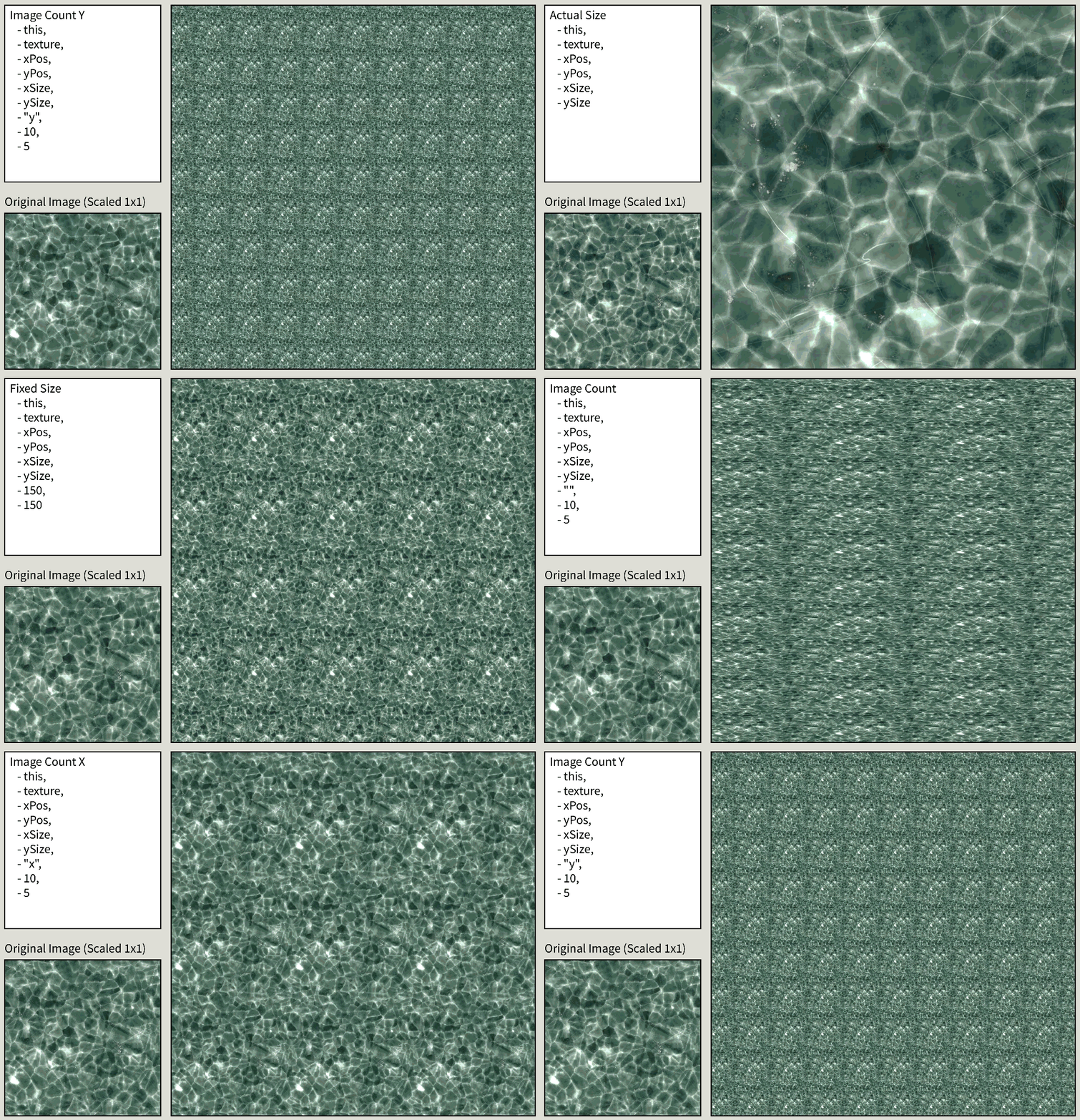
ImageTiler is a Processing library for creating seamless textures or tiled image patterns. Repeat any image across a defined area using three modes: tile at original size, specify exact tile dimensions, or define how many tiles should fit with optional aspect ratio preservation.
Compatibility
- Tested on: Windows 11
- Processing version: 4.4.10
- Dependencies: None
- Last updated: April 5, 2026
Download
You may (soon) find this library in the official Processing Contribution Manager.
Alternatively, you can Download Release v1.0.0 from GitHub
Keywords
graphical, ui, texture, tiling, pattern, seamless, background, repeat, image processing
Installation
ImageTiler can be installed directly from the Processing Contribution Manager (pending approval), like any other library. After installing it with the contribution manager, you can import the library by adding the following snippet of code at the beginning of your sketch.
import dytme.github.ImageTiler.*;
Creating a Tiled Texture
ImageTiler adds a new class to Processing, TiledImage, which acts in a similar fashion to the PImage class already included in all sketches. When you want to create a TiledImage, you have to first define it somewhere in your sketch. In our example, we will use the ice texture shown above.
TiledImage texture;
Afterwards, you can create a TiledImage by using one of the available constructors, depending on your requirements. You can find out more about this on the Tiling Modes page. The most basic implementation would utilize the Actual Size mode:
texture = new TiledImage(this, source_image, 0, 0, 200, 200);
Keep in mind that the object source_image must be of type PImage!
Drawing the Tiled Texture
Whenever you want to draw/render the tiled texture, you can do so by simply calling the .render() method upon the previously created object.
texture.render();
This can be done at any point in the draw loop or related methods, similarly to the image() method of a PImage object.