Example Sketches
Tiling Mode Showcase
Description
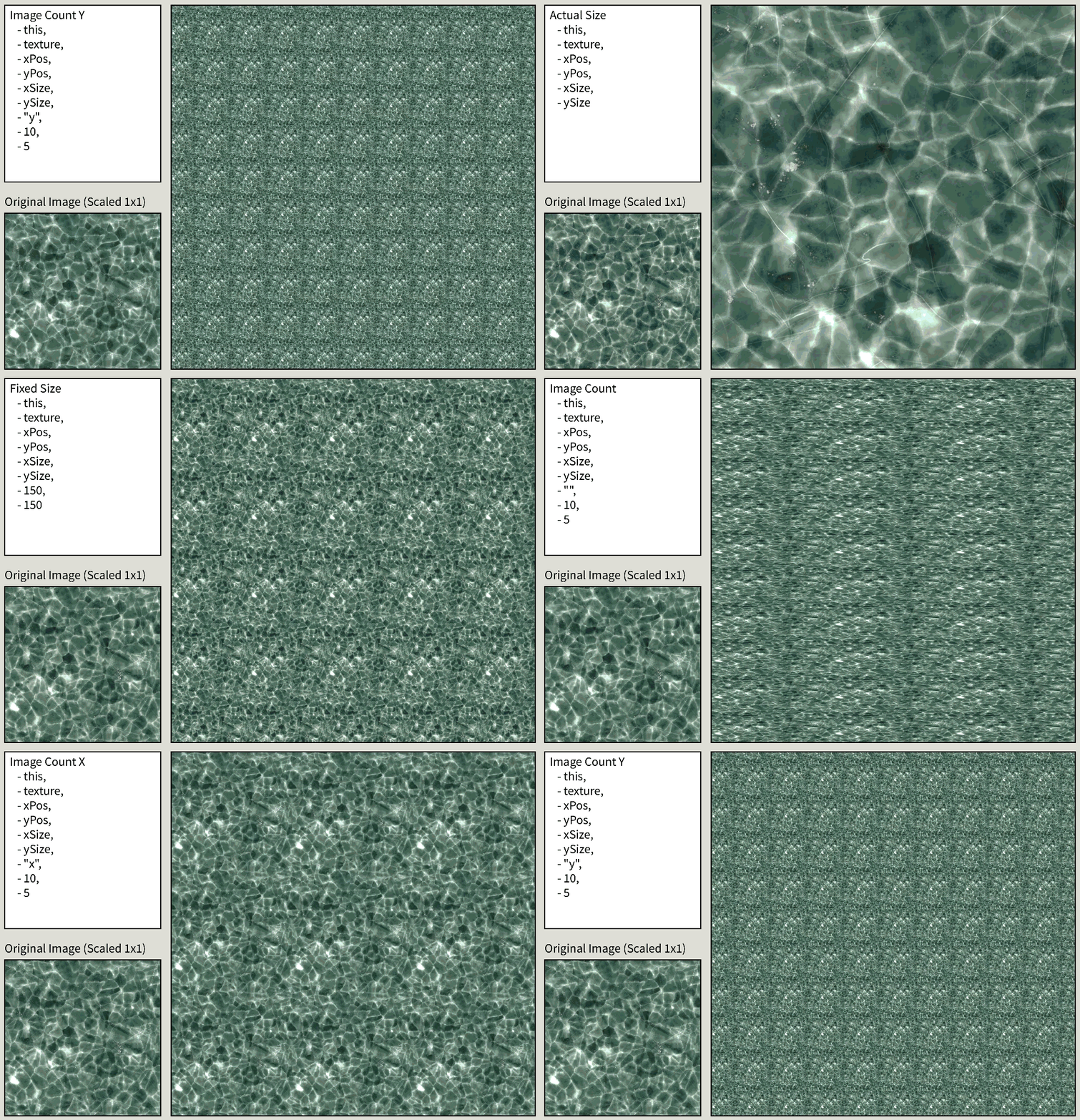
This Example Sketch allows you to play around with the parameters of the 5 different TilingModes in order to figure out the best way to create a TiledImage for your own projects needs. You can either use this to better understand the 5 tiling modes, or as a way to quickly juggle between the 5 modes in order to pick the best one for your specific image.
How to Use
To cycle between TilingModes, simply click anywhere in the Sketch. If you want to modify the parameters, you can edit them in the TiledImage.pde file.
Intertoys Storefront
Description
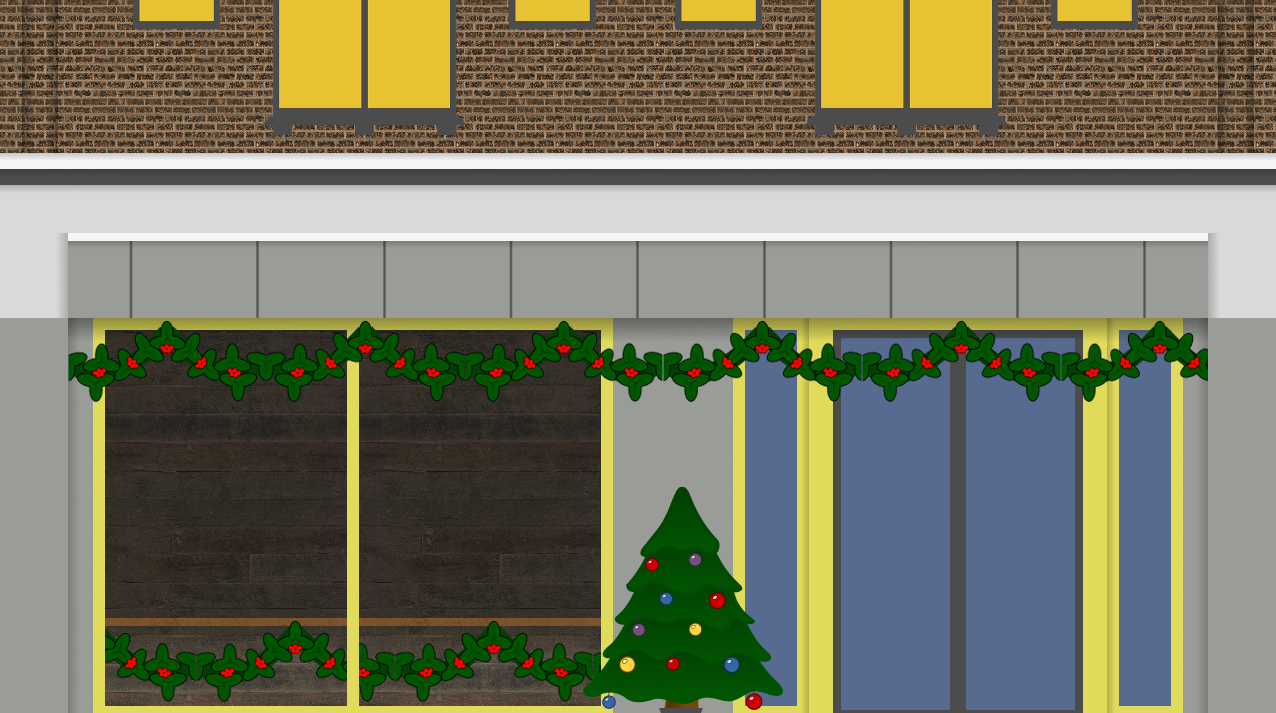
This Example Sketch is meant to showcase the abilities of this library on a larger-scale project. Most of the images in this project are TiledImage objects instead of PImage ones. You can also see different use cases for the library:
- Seamless repeated textures, such as the Bricks or Wooden Panels
- Infinitely scaling a texture on one axis, such as the Garland, Gradients or Pillar Tiles
- Adding 2/3 repeated PImage objects one next to the other, such as the Second Floor Windows
- Relative Positioning between
TiledImageobjects, asxPos, yPos, xSize and ySizeare all public fields.
How to Use
There is no interaction in this Sketch. If you want to see the code for how the Storefront is rendered, then you can check the Storefront.pde file.